This article is part of the Arvora reading room: slower, clearer essays for founders and business owners who want digital decisions to feel less noisy.
If you have recently moved to Portugal, you will quickly discover that accessing almost every government portal online requires something called the Chave Móvel Digital — Portugal's official digital authentication system. Without it, you cannot log into Finanças, Segurança Social, the SNS health portal, or sign any official documents online.
Getting it as an expat is simple but requires an in-person visit. This guide walks you through exactly what to do, where to go, and what to bring.
Quick answer
As a foreign national in Portugal, you activate the Chave Móvel Digital in person at a Loja do Cidadão or Espaço Cidadão. Bring your passport or residence card, your Portuguese phone number, and your email address. The process is free and completed the same day. Online activation is only available to Portuguese citizens with a Cartão de Cidadão — foreigners must go in person.
What is the Chave Móvel Digital?
The Chave Móvel Digital (CMD) — which translates directly as the Digital Mobile Key — is Portugal's state-certified digital identity system. It links your mobile phone number to your official identification document (either your passport or residence card), creating a secure two-factor authentication method recognised across Portuguese government and many private platforms.
Once activated, your CMD replaces the need to appear in person for many administrative tasks. You can log in to portals, submit documents, and digitally sign legally binding contracts from your phone.
What you can do with CMD
- Log into the Portal das Finanças to access your tax file, submit returns, or issue recibos verdes
- Access Segurança Social Direta to manage contributions and benefits
- Use the SNS Portal for health records and GP registrations
- Log into Área do Cidadão — the central hub for most government services
- Digitally sign PDFs with legal validity via Autenticação.gov.pt
- Access IMT Online for vehicle and property transactions
- Apply for services related to NHR, residency renewals, and more
Without CMD, you will need to visit offices in person for almost all of these. With it, most things can be done from your laptop.
Who can get the Chave Móvel Digital?
Anyone legally resident or present in Portugal can apply, regardless of nationality. This includes:
- EU citizens with a foreign passport or residence document
- Non-EU nationals with a valid passport and NIF
- Non-EU nationals with a residence permit (AIMA-issued)
- Foreign nationals living outside Portugal (via a Portuguese consulate)
Your CMD validity is tied to your identity document. If you register with your passport, CMD remains valid until your passport expires. If you register with a residence card, it follows that card's validity.
What you need to bring
Before you go, make sure you have the following:
- Your identity document — either your valid foreign passport or your Portuguese residence card/permit. Both are accepted.
- Your NIF — your Portuguese tax identification number. You should have this before applying for CMD. If you do not have one yet, get your NIF first.
- A Portuguese mobile phone number — this is the number CMD will be linked to. Use a number you intend to keep long-term, because changing it later requires another in-person visit.
- An email address — used for account setup and notifications.
That is it. No appointment is always required but booking ahead at a Loja do Cidadão saves waiting time.
Where to go
As a foreigner, you must activate CMD in person at a service counter. Online activation at autenticacao.gov.pt requires a Portuguese Cartão de Cidadão — which only Portuguese nationals hold. Do not waste time trying to complete it online.
Places that offer CMD activation:
| Location | Notes |
|---|---|
| Loja do Cidadão | Main option — available across Portugal, including Faro, Loulé, Portimão, and Lisbon |
| Espaço Cidadão | Municipal-level service centres, usually inside câmaras municipais |
| Serviços de Finanças | Local finance offices — useful if you are already there for NIF-related matters |
| Centro de Segurança Social | Social security offices — less common but authorised to process CMD |
| Portuguese consulate | For those applying from outside Portugal |
In the Algarve specifically, your closest main Loja do Cidadão options are in Faro and Portimão. Smaller Espaços Cidadão exist in most towns including Loulé, Lagos, Tavira, and Albufeira.
The step-by-step process
The in-person process takes around 10 to 15 minutes once you are at the counter.
Step 1 — Arrive and take a ticket
Go to the Loja do Cidadão or Espaço Cidadão and take a ticket for general citizen services (not tax or social security specifically). Tell the staff member you want to activate the Chave Móvel Digital.
Step 2 — Present your identity document
Hand over your passport or residence card. The staff member will verify your identity and look up your details in the system using your NIF.
Step 3 — Provide your phone number and email
Give the phone number you want to link to your CMD. Make sure the phone is with you and switched on — you will receive an SMS code during activation.
Step 4 — Set your PIN
You will choose a 4-digit PIN at the counter. This PIN, combined with the SMS code sent to your phone, is how you authenticate on government portals. Keep it private.
Step 5 — Confirm via SMS
You will receive a verification code by SMS immediately. Show or read it to the staff member to complete the process.
Step 6 — You are done
CMD is activated on the spot. You can use it immediately on any compatible portal. Your login on autenticacao.gov.pt uses your phone number as the username and your 4-digit PIN plus the SMS code as authentication.
Tips that will save you time
Book ahead if possible. Loja do Cidadão centres can have long waiting times, especially in Faro. Many allow online bookings via the gov.pt website — search for your nearest location and check for available slots.
Bring your passport even if you have a residence card. Some older systems still reference passport data. Having both avoids delays.
Do not try to activate online first. You will waste time hitting a wall. The online system requires a Portuguese Citizen Card. Go in person from the start.
Your NIF must already exist. CMD is linked to your identity in the Portuguese system. If you do not yet have a NIF, get that first. You cannot complete CMD registration without one.
EU citizens have an alternative. If you hold a valid digital identity document from another EU country, you may be able to use eIDAS-compatible authentication on some Portuguese portals instead of CMD. However, CMD still gives broader access to Portuguese-specific services.
Keep your phone number stable. CMD is tied to that number. If you change your Portuguese SIM later, you will need to return in person to update it.
What comes after CMD
Once you have your CMD activated, you can move forward with the admin tasks that actually move your life — or business — forward in Portugal:
- File your first tax return on Portal das Finanças
- Apply for NHR status (if eligible) through the portal
- Register as a freelancer (trabalhador independente) and issue recibos verdes
- Access your AIMA residency file online
- Sign lease agreements and other contracts digitally
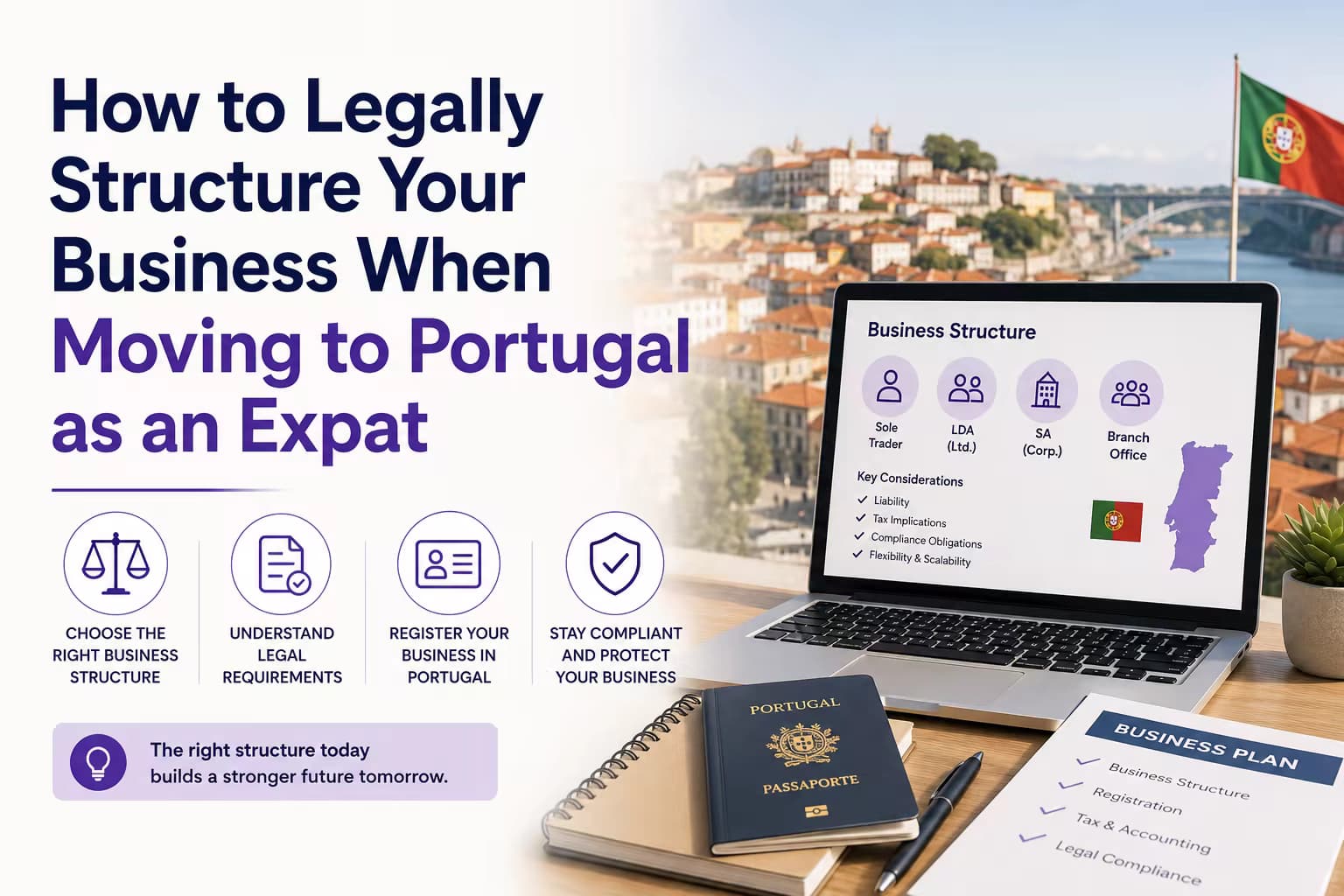
If you are building a business in Portugal alongside setting up your personal admin, the digital foundations work best when your online presence is as solid as your government access. Read 7 Expensive Mistakes Expats Make When Starting a Business in Portugal if you are in that phase.
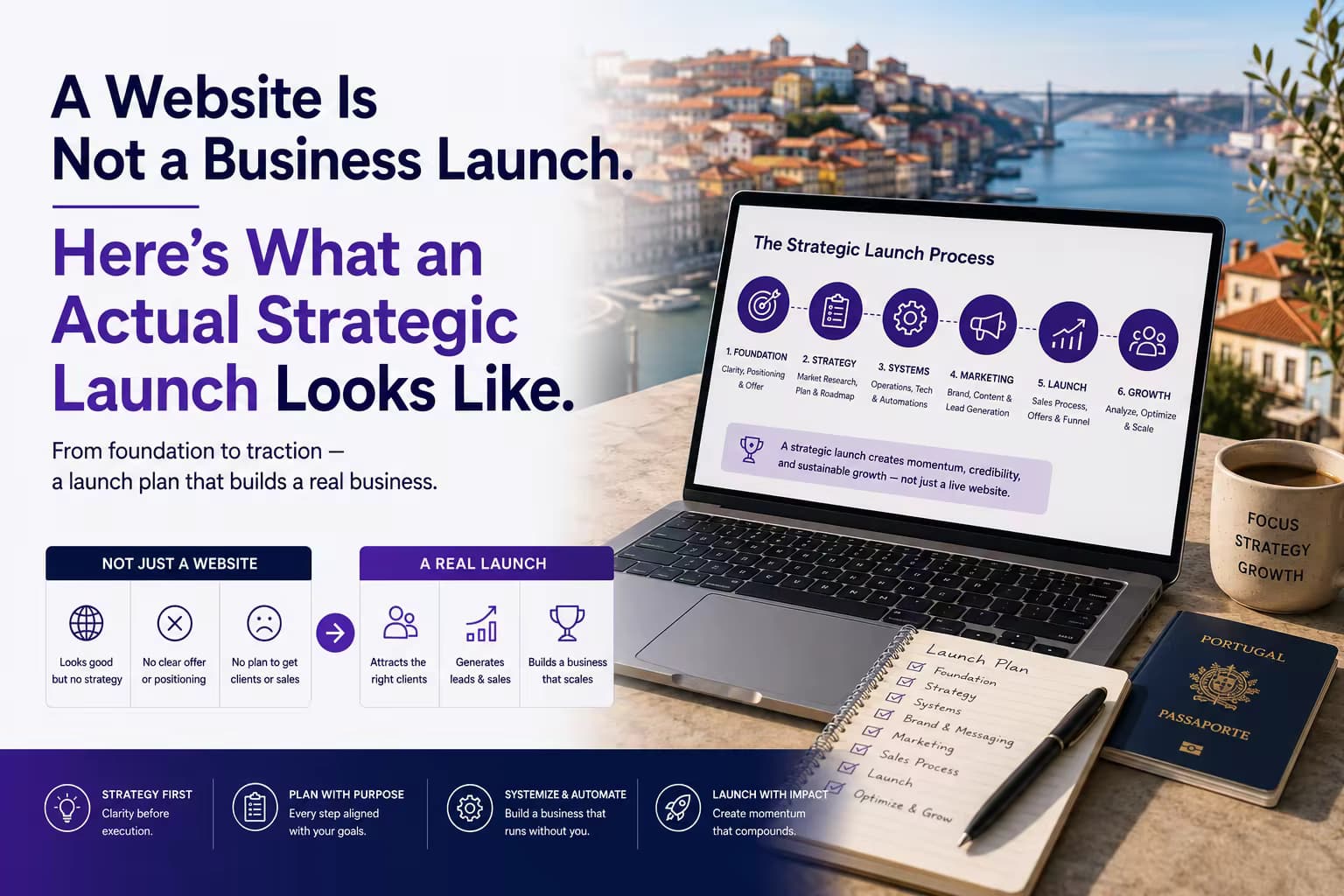
And if you need a website that works for expat clients and Portuguese locals alike, that is exactly what we build at Arvora — see Expat Business Websites in Portugal.
Written by Sofia, Project Manager at Arvora. Based in the Algarve, Sofia helps international clients navigate the practical side of setting up life and business in Portugal.
About the author

Sofia
Project Manager & Client Lead, Arvora
Sofia keeps Arvora projects moving with precision — coordinating client relationships, timelines, and deliverables so every engagement runs cleanly from first conversation to final launch.
Meet the team